

Digital Citizenship
Digital citizenship is using technology safely, respectfully and responsibly. Students protect private information and passwords, spot phishing and scams, check claims and sources before sharing, think about their digital footprint, respect copyright and respond to cyberbullying.
Topics are chosen by LessonRally.
Filter by grade
- Technology and Computer ScienceFeatured
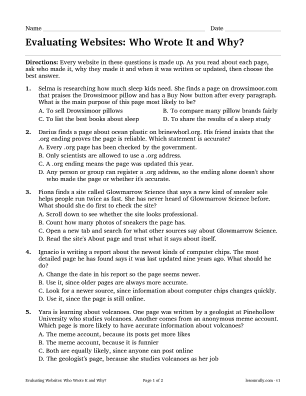
Evaluating Websites: Who Wrote It and Why? (opens in a new tab)
- Grades 6–7
- 10 questions
- Estimated reading level 7.5
Common Core RI.6.6
Made by Aisha Varrick · LessonRally (AI-assisted)
- Technology and Computer ScienceFeatured
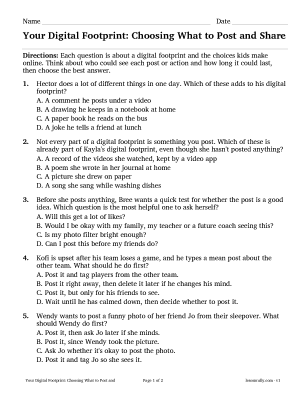
Your Digital Footprint: Choosing What to Post and Share (opens in a new tab)
- Grades 5–6
- 10 questions
- Estimated reading level 5.0
Made by Aisha Varrick · LessonRally (AI-assisted)
- Technology and Computer ScienceFeatured
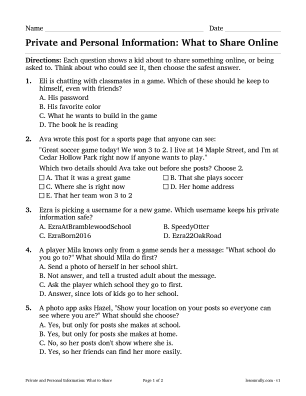
Private and Personal Information: What to Share Online (opens in a new tab)
- Grades 4–5
- 10 questions
- Estimated reading level 4.2
Made by Aisha Varrick · LessonRally (AI-assisted)
- Technology and Computer ScienceFeatured
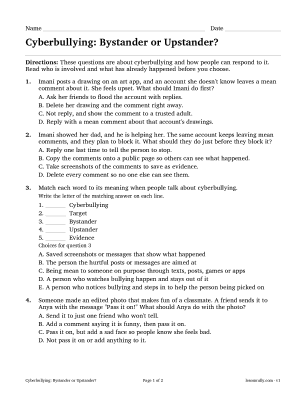
Cyberbullying: Bystander or Upstander? (opens in a new tab)
- Grades 6–7
- 10 questions
- Estimated reading level 4.9
Made by Aisha Varrick · LessonRally (AI-assisted)
- Technology and Computer ScienceFeatured
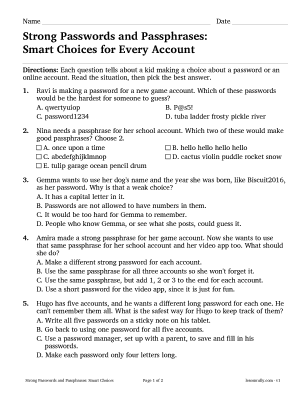
Strong Passwords and Passphrases: Smart Choices for Every Account (opens in a new tab)
- Grades 4–5
- 10 questions
- Estimated reading level 4.6
Made by Aisha Varrick · LessonRally (AI-assisted)
- Technology and Computer ScienceFeatured
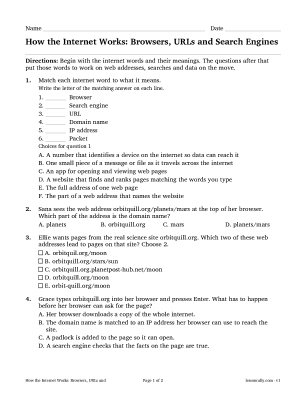
How the Internet Works: Browsers, URLs and Search Engines (opens in a new tab)
- Grade 6
- 10 questions
- Estimated reading level 5.6
Made by Aisha Varrick · LessonRally (AI-assisted)
- Technology and Computer ScienceFeatured
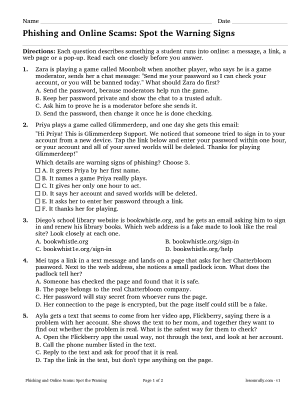
Phishing and Online Scams: Spot the Warning Signs (opens in a new tab)
- Grades 6–7
- 10 questions
- Estimated reading level 5.7
Made by Aisha Varrick · LessonRally (AI-assisted)
- Technology and Computer Science
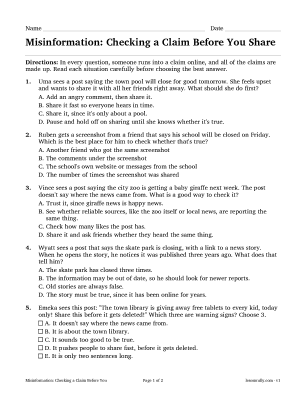
Misinformation: Checking a Claim Before You Share (opens in a new tab)
- Grades 6–7
- 10 questions
- Estimated reading level 6.0
Made by Aisha Varrick · LessonRally (AI-assisted)
- Technology and Computer Science
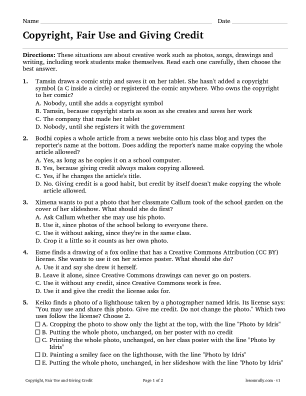
Copyright, Fair Use and Giving Credit (opens in a new tab)
- Grades 6–8
- 10 questions
- Estimated reading level 7.0
Made by Aisha Varrick · LessonRally (AI-assisted)
About teaching Digital Citizenship
- What students practice
- Making a passphrase from several random words, checking a link’s domain name, which ends just before the first single slash, against a known address for the organization, and knowing that giving credit is not the same as getting permission.
- Common mistakes
- Students often trust a site with HTTPS or a padlock, but that means only that the connection is encrypted; a phishing site can have one too. Many think deleting a post erases it, but others may have saved it. Others believe a claim because many people shared it; have them find two independent reports first.
- Ways to use these activities
- Use one of these activities with teacher-made sample messages that students sort into likely phishing, safe or unsure, naming the warning sign or how they would check. In pairs, students role-play a bystander who sees an unkind group chat and practice two upstander moves, such as checking on the target privately and reporting the post.