Phishing and Online Scams: Spot the Warning Signs

10 questions · 13 points · Grades 6–7 · English · Preview the 10 questions

Made by Aisha Varrick · LessonRally (AI-assisted)

Digital classroom activity

What is a digital classroom activity?

Teachers who sign in can assign LessonRally activities to their Google Classroom classes: students open them in Classroom and answer online, and their grades go to the teacher's Classroom gradebook. Practice lets you try it first, the way students see it.

Free for teachers. Sign in to assign activities to your Google Classroom classes.

Printable worksheet

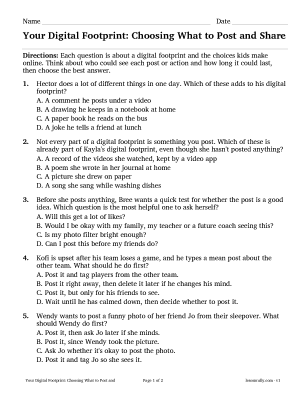
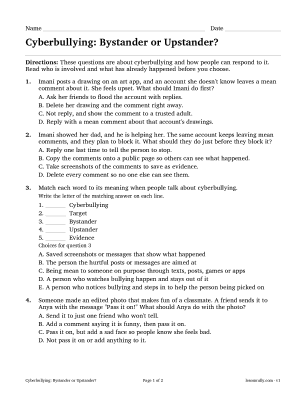
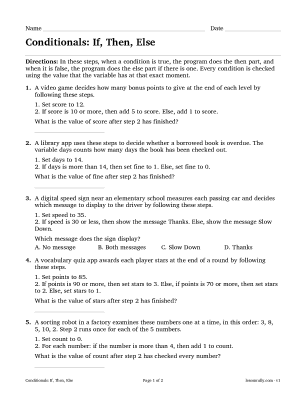
Students read short scenarios about phishing messages, fake links and other online scams. They spot the warning signs, learn what a padlock does and does not mean, and choose the safest next step. Internet safety and digital citizenship practice for middle school.

Learning goal: Identify warning signs of phishing messages and other online scams, and choose the safest next step.

Estimated reading level 5.7

  1. Grade 3Hard
  2. Grade 4Stretch
  3. Grade 5On level
  4. Grade 6Easier
  5. Grade 7Easy
About this estimate

The estimate is the middle score of five readability formulas. Their scores run from 3.7 to 7.3.

  • Flesch-Kincaid GradeSentence length and syllables per word4.0
  • Gunning FogSentence length and words of three or more syllables6.4
  • Coleman-Liau Middle scoreLetters per word and sentences per 100 words5.7
  • Automated Readability IndexCharacters per word and words per sentence3.7
  • SMOGWords of three or more syllables, for texts of 30 sentences or more7.3
Flesch Reading Ease
87.1 on a 0 to 100 scale where higher is easier: easy. Not part of the estimate.
Text measured
924 words, 38 sentences

Adapted from common readability formulas (Flesch-Kincaid, Gunning Fog, Coleman-Liau and ARI, plus SMOG for long texts), which look at sentence length and word length. Answer choices count toward word length only. Grades below the estimate will likely find the text harder, grades above it easier. It does not measure ideas, background knowledge or images.

Topic: Digital Citizenship Chosen by LessonRally

Question types: multiple choice, select all that apply, matching.

Student preview

The questions as students see them, without the answers.

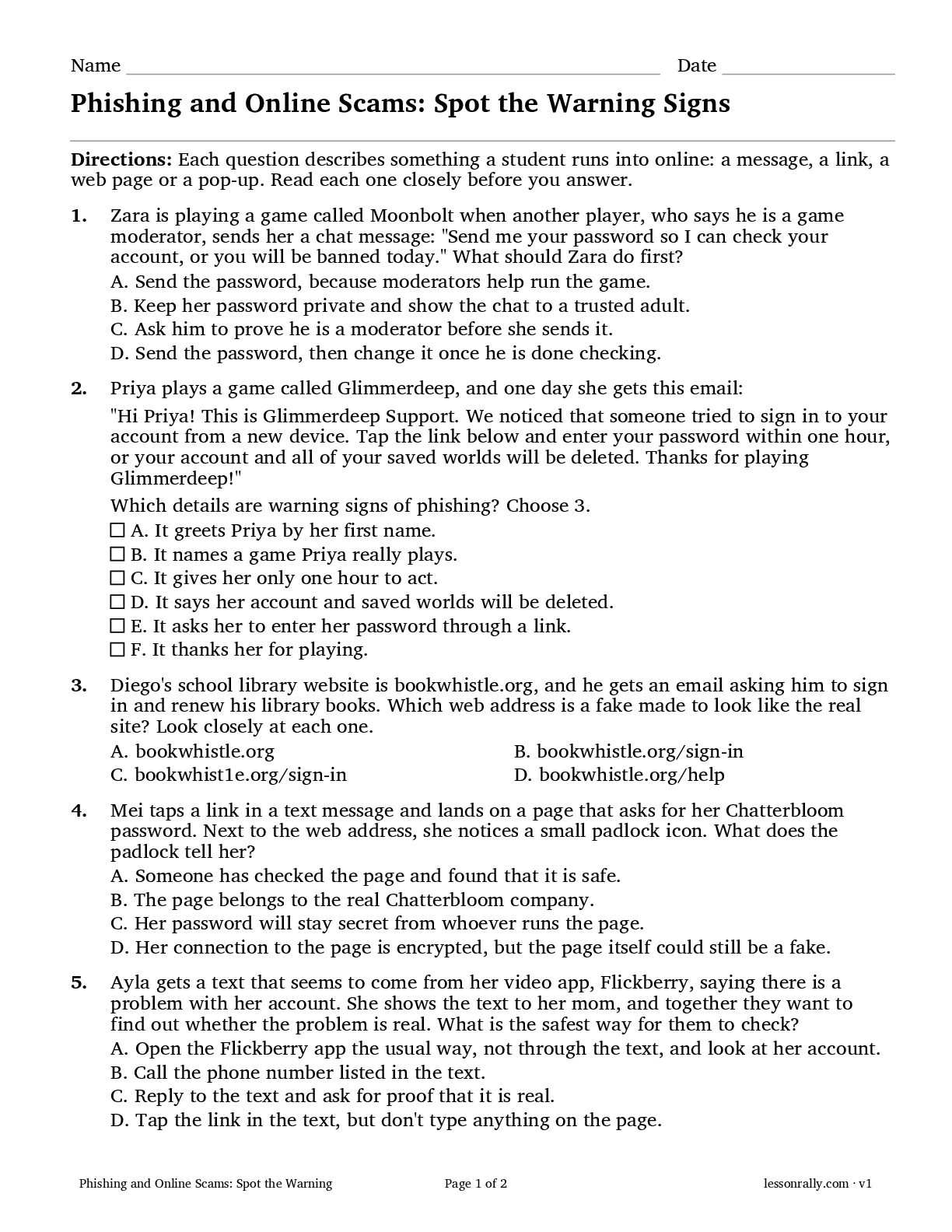
Each question describes something a student runs into online: a message, a link, a web page or a pop-up. Read each one closely before you answer.

Question 1

Zara is playing a game called Moonbolt when another player, who says he is a game moderator, sends her a chat message: "Send me your password so I can check your account, or you will be banned today." What should Zara do first?

Choose one answer.

  • Send the password, because moderators help run the game.
  • Keep her password private and show the chat to a trusted adult.
  • Send the password, then change it once he is done checking.
  • Ask him to prove he is a moderator before she sends it.
Question 2

Priya plays a game called Glimmerdeep, and one day she gets this email:

"Hi Priya! This is Glimmerdeep Support. We noticed that someone tried to sign in to your account from a new device. Tap the link below and enter your password within one hour, or your account and all of your saved worlds will be deleted. Thanks for playing Glimmerdeep!"

Which details are warning signs of phishing? Choose 3.

Choose 3 answers.

  • It says her account and saved worlds will be deleted.
  • It gives her only one hour to act.
  • It asks her to enter her password through a link.
  • It names a game Priya really plays.
  • It greets Priya by her first name.
  • It thanks her for playing.

Question 3

Diego's school library website is bookwhistle.org, and he gets an email asking him to sign in and renew his library books. Which web address is a fake made to look like the real site? Look closely at each one.

Choose one answer.

  • bookwhistle.org/help
  • bookwhistle.org
  • bookwhist1e.org/sign-in
  • bookwhistle.org/sign-in

Question 4

Mei taps a link in a text message and lands on a page that asks for her Chatterbloom password. Next to the web address, she notices a small padlock icon. What does the padlock tell her?

Choose one answer.

  • Her password will stay secret from whoever runs the page.
  • Her connection to the page is encrypted, but the page itself could still be a fake.
  • The page belongs to the real Chatterbloom company.
  • Someone has checked the page and found that it is safe.

Question 5

Ayla gets a text that seems to come from her video app, Flickberry, saying there is a problem with her account. She shows the text to her mom, and together they want to find out whether the problem is real. What is the safest way for them to check?

Choose one answer.

  • Tap the link in the text, but don't type anything on the page.
  • Call the phone number listed in the text.
  • Open the Flickberry app the usual way, not through the text, and look at her account.
  • Reply to the text and ask for proof that it is real.

Question 6

Ben gets a message from his friend Omar's account that says, "Is this you in this video?" and includes a link. Omar never sends messages like this. What is the best first step for Ben?

Choose one answer.

  • Leave the link alone and ask Omar another way, like in person or by phone, if he sent it.
  • Reply in the same chat and ask Omar if the link is safe.
  • Tap the link quickly to see what the video shows.
  • Send the link to a few friends to see if it works for them.

Question 7

Each message below came from a scammer. Match each message to what the scammer is trying to get.

Match each item to an option.

Items

  1. "There is a problem with your account. Type your password at this link to fix it."
  2. "Our driver can't find your house. Reply with your street address."
  3. "Your teacher sent you a file. Open the attachment and install the program to see your grade."
  4. "We just texted you a 6-digit code. Send it back to us to confirm your account."

Options

  1. The code that keeps others out of your account
  2. Your home address
  3. A way to put harmful software on your device
  4. Your password

Question 8

Hana typed her Lumigrove password into a page she reached from a link in a text message, and then she noticed that the web address was misspelled. She told her dad right away, and he is sitting with her now. What should they do next?

Choose one answer.

  • Delete the text so the scammer can't use her password.
  • Go to the real Lumigrove app and change her password, plus any other account that uses the same one.
  • Wait a few days to see if anything strange happens to her account.
  • Go back to the fake page and sign out of it.

Question 9

Lucia gets a text from a number she doesn't recognize: "You won a free tablet! Reply with your full name and school to claim it." Her aunt reads the message with her, and they both agree it is a scam. Lucia has not replied yet. What should she do with the text?

Choose one answer.

  • Keep it in case the prize turns out to be real.
  • Reply with a made-up name to trick the scammer.
  • Report it as junk or spam on her phone, then delete it.
  • Reply to tell the sender she knows it is a scam.

Question 10

Nora is playing on a game website when a pop-up suddenly fills her tablet screen. It flashes red and says, "Virus found! Tap Clean Now right away!" What is the safest first move for Nora?

Choose one answer.

  • Close the browser tab without tapping anything inside the pop-up.
  • Tap the pop-up's message to read more about the virus.
  • Tap Clean Now so the virus is removed quickly.
  • Type her password into the pop-up so it can start a scan.

Reviews

No reviews yet.

Reviews come from teachers who assigned this activity to a class.

Sign in to write a review

Have a topic of your own? Make a printable worksheet and online quiz, free.

Create an activity

Answer key

Answer keys come with Premium

Print this worksheet with the correct answers marked. The key includes any explanations, sample answers, and rubrics supplied with the activity.

Answer keys aren't public: only teachers with Premium and the people who can edit an activity can download one, so students can't get a ready-to-print key from this page.

Premium includes:

  • No ads for you, and no ads for your students on the assignments you post.
  • Answer keys for printable worksheets, with the correct answers marked and any explanations, sample answers, and rubrics.
  • Create with AI: up to 100 activities a year (5 during the free trial), with every answer checked before you see the draft.

$29 a year, plus sales tax where it applies.

New Premium teachers can try it free for 7 days. A card or other payment method is needed to start. Unless you cancel before the trial ends, you are charged then and the plan renews every year.

Already have Premium or edit this activity? Sign in