

Computers and Networks
Computers take input, process it, store it and produce output. Students tell hardware from software and memory from storage, use keyboard shortcuts and simple spreadsheet formulas, and learn how networks connect devices to share information.
Topics are chosen by LessonRally.
Filter by grade
- Technology and Computer ScienceFeatured
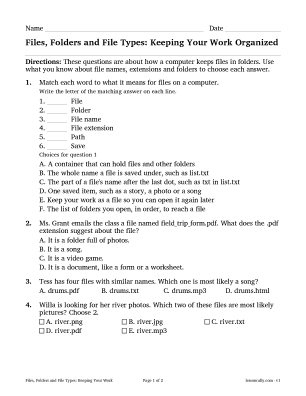
Files, Folders and File Types: Keeping Your Work Organized (opens in a new tab)
- Grade 5
- 10 questions
- Estimated reading level 4.4
Made by Aisha Varrick · LessonRally (AI-assisted)
- Technology and Computer ScienceFeatured
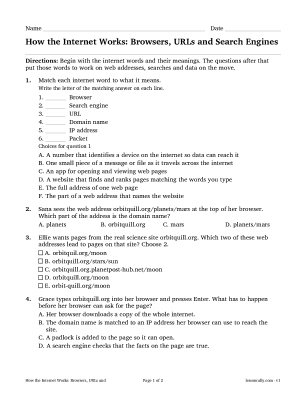
How the Internet Works: Browsers, URLs and Search Engines (opens in a new tab)
- Grade 6
- 10 questions
- Estimated reading level 5.6
Made by Aisha Varrick · LessonRally (AI-assisted)
- Technology and Computer ScienceFeatured
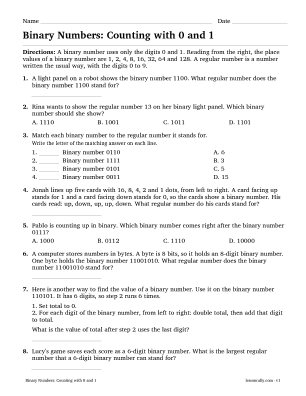
Binary Numbers: Counting with 0 and 1 (opens in a new tab)
- Grades 6–7
- 8 questions
- Estimated reading level 4.1
Made by Aisha Varrick · LessonRally (AI-assisted)
- Technology and Computer Science
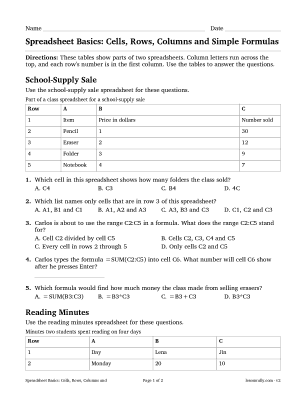
Spreadsheet Basics: Cells, Rows, Columns and Simple Formulas (opens in a new tab)
- Grade 6
- 8 questions
- Estimated reading level 1.7
Made by Aisha Varrick · LessonRally (AI-assisted)
- Technology and Computer Science
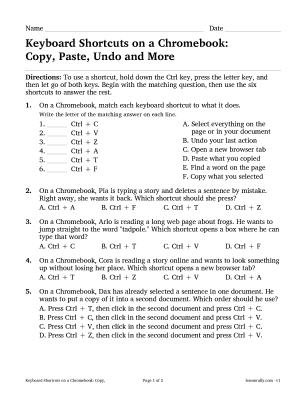
Keyboard Shortcuts on a Chromebook: Copy, Paste, Undo and More (opens in a new tab)
- Grades 4–5
- 10 questions
- Estimated reading level 4.3
Made by Aisha Varrick · LessonRally (AI-assisted)
- Technology and Computer Science
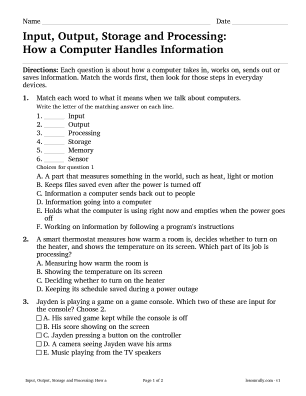
Input, Output, Storage and Processing: How a Computer Handles Information (opens in a new tab)
- Grade 5
- 10 questions
- Estimated reading level 6.3
Made by Aisha Varrick · LessonRally (AI-assisted)
- Technology and Computer Science
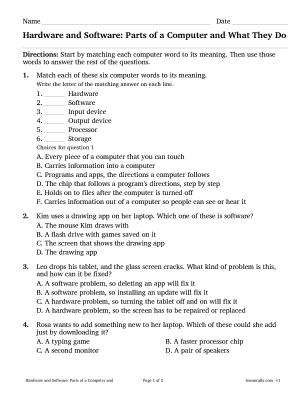
Hardware and Software: Parts of a Computer and What They Do (opens in a new tab)
- Grade 4
- 10 questions
- Estimated reading level 6.1
Made by Aisha Varrick · LessonRally (AI-assisted)
About teaching Computers and Networks
- What students practice
- Sorting a keyboard as input and speakers as output, using Ctrl + C, Ctrl + V and Ctrl + Z (Command on a Mac), and reading =SUM(A1:A5) as adding cells A1 through A5.
- Common mistakes
- Students often call the monitor the computer; have them switch off a separate monitor and notice the computer keeps running. Many mix up memory and storage; working memory (RAM) is cleared when the power goes off, while storage keeps saved files. Others treat the web as the whole internet, when it is one service that runs on it.
- Ways to use these activities
- Start class with one of these activities or a shortcut of the day. To model a network, have students split a message into numbered packets, pass them through classmates acting as routers and rebuild it. Have students average a week of class temperatures in a spreadsheet.