Question 1
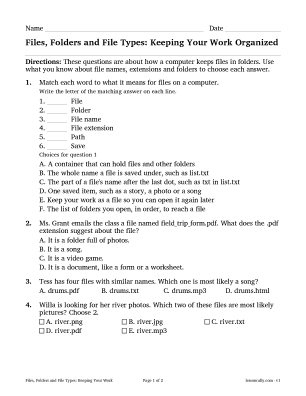
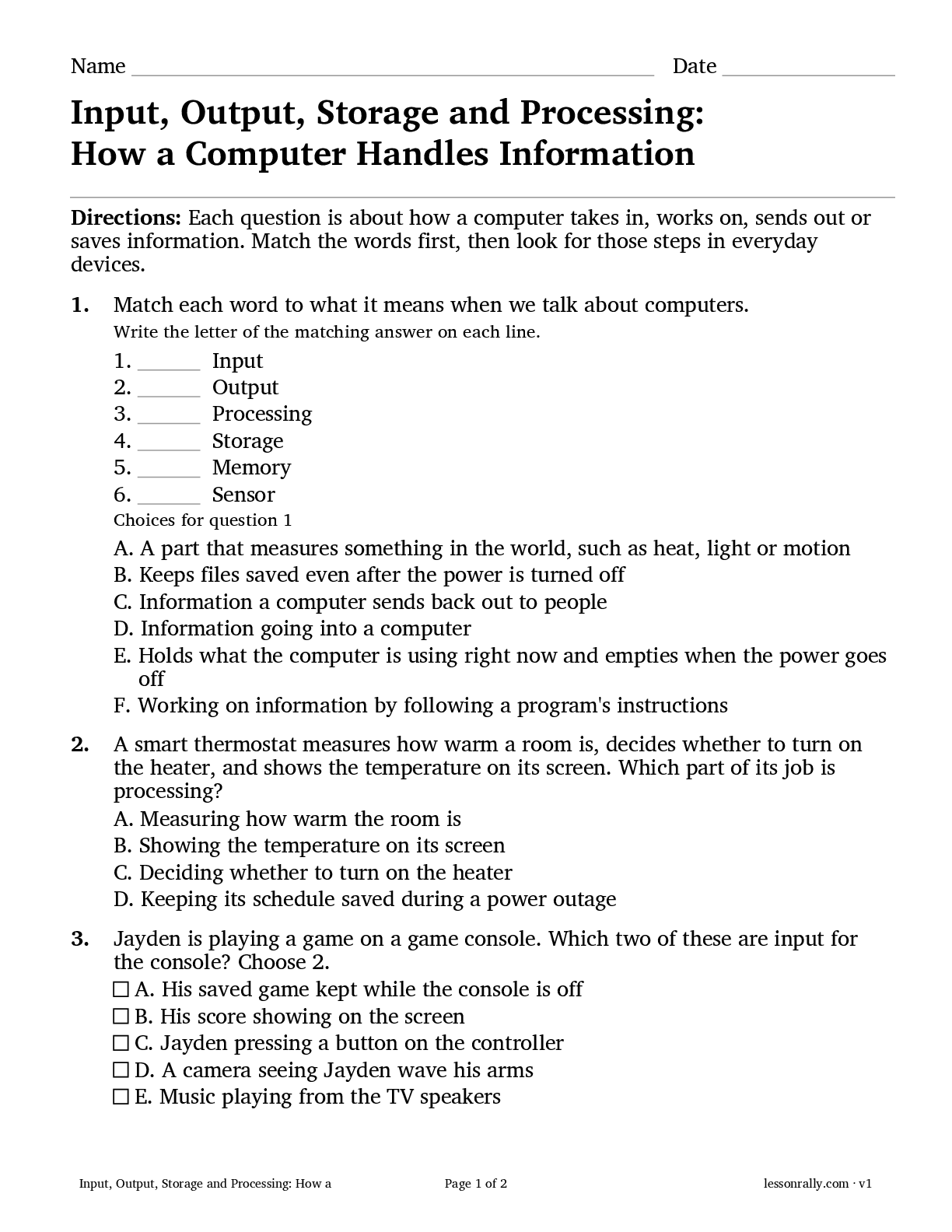
Match each word to what it means when we talk about computers.
Match each item to an option.
Items
- Input
- Output
- Processing
- Storage
- Memory
- Sensor
Options


Teachers who sign in can assign LessonRally activities to their Google Classroom classes: students open them in Classroom and answer online, and their grades go to the teacher's Classroom gradebook. Practice lets you try it first, the way students see it.
Free for teachers. Sign in to assign activities to your Google Classroom classes.
 (opens in a new tab)
2 pages · Student copy, no answers
Print worksheet (opens in a new tab)Answer keyPremiumStudents match input, output, processing, storage, memory and sensor to their meanings, then find each step in everyday devices such as a smart thermostat, a game console, an automatic door and a calculator app. They tell memory from storage and see why a headset with a microphone counts as both input and output.
Learning goal: Identify input, output, processing and storage in everyday devices, and tell memory from storage.
The estimate is halfway between the two middle scores of four readability formulas. Their scores run from 4.8 to 7.4.
Adapted from common readability formulas (Flesch-Kincaid, Gunning Fog, Coleman-Liau and ARI, plus SMOG for long texts), which look at sentence length and word length. Answer choices count toward word length only. Grades below the estimate will likely find the text harder, grades above it easier. It does not measure ideas, background knowledge or images.
Topic: Computers and Networks Chosen by LessonRally
Question types: matching, multiple choice, select all that apply, number answer.
The questions as students see them, without the answers.
Each question is about how a computer takes in, works on, sends out or saves information. Match the words first, then look for those steps in everyday devices.
Match each word to what it means when we talk about computers.
Match each item to an option.
Items
Options
A smart thermostat measures how warm a room is, decides whether to turn on the heater, and shows the temperature on its screen. Which part of its job is processing?
Choose one answer.
Jayden is playing a game on a game console. Which two of these are input for the console? Choose 2.
Choose 2 answers.
The front door at Paloma's school slides open by itself when someone walks up to it. Which part notices that a person is there?
Choose one answer.
Marco is halfway through a drawing he has not saved when the power suddenly goes out. When the computer turns back on, the new part of his drawing is gone. Why?
Choose one answer.
Wren's fitness watch buzzes on her wrist when she reaches her step goal for the day. Which job is the buzz?
Choose one answer.
Sam types 25 + 17 into a calculator app and taps the equals sign. Which part works out the answer?
Choose one answer.
Maria uses a headset with a microphone to talk with her grandpa on a video call. Why does her headset count as both an input device and an output device?
Choose one answer.
Omari's tablet has 64 GB of storage. Its system files and apps take up 21 GB, his photos take up 30 GB, and nothing else is saved on it. How many GB of storage are still free?
Enter a number.
GB
Nadia asks a smart speaker, "What's the weather today?" A moment later, it answers out loud. What happens right after the microphone picks up her question?
Choose one answer.
No reviews yet.
Reviews come from teachers who assigned this activity to a class.
Have a topic of your own? Make a printable worksheet and online quiz, free.
Create an activityMade by Aisha Varrick · LessonRally (AI-assisted)
Made by Aisha Varrick · LessonRally (AI-assisted)
Made by Aisha Varrick · LessonRally (AI-assisted)
Made by Aisha Varrick · LessonRally (AI-assisted)