Question 1
Eli is chatting with classmates in a game. Which of these should he keep to himself, even with friends?
Choose one answer.
- His favorite color
- The book he is reading
- His password
- What he wants to build in the game


Teachers who sign in can assign LessonRally activities to their Google Classroom classes: students open them in Classroom and answer online, and their grades go to the teacher's Classroom gradebook. Practice lets you try it first, the way students see it.
Free for teachers. Sign in to assign activities to your Google Classroom classes.
 (opens in a new tab)
2 pages · Student copy, no answers
Print worksheet (opens in a new tab)Answer keyPremiumStudents read short scenarios and decide what to keep private online: passwords, a home address, a phone number, their school, their birthday, and where they are right now. They pick a safe username, choose a location setting, fix a post and a photo before sharing, and know when to ask a trusted adult. Internet safety and digital citizenship practice.
Learning goal: Decide which information to keep private online, such as passwords, home address, phone number, school, birthday and current location, and choose the safest way to share.
The estimate is halfway between the two middle scores of four readability formulas. Their scores run from 3.0 to 5.5.
Adapted from common readability formulas (Flesch-Kincaid, Gunning Fog, Coleman-Liau and ARI, plus SMOG for long texts), which look at sentence length and word length. Answer choices count toward word length only. Grades below the estimate will likely find the text harder, grades above it easier. It does not measure ideas, background knowledge or images.
Topic: Digital Citizenship Chosen by LessonRally
Question types: multiple choice, select all that apply.
The questions as students see them, without the answers.
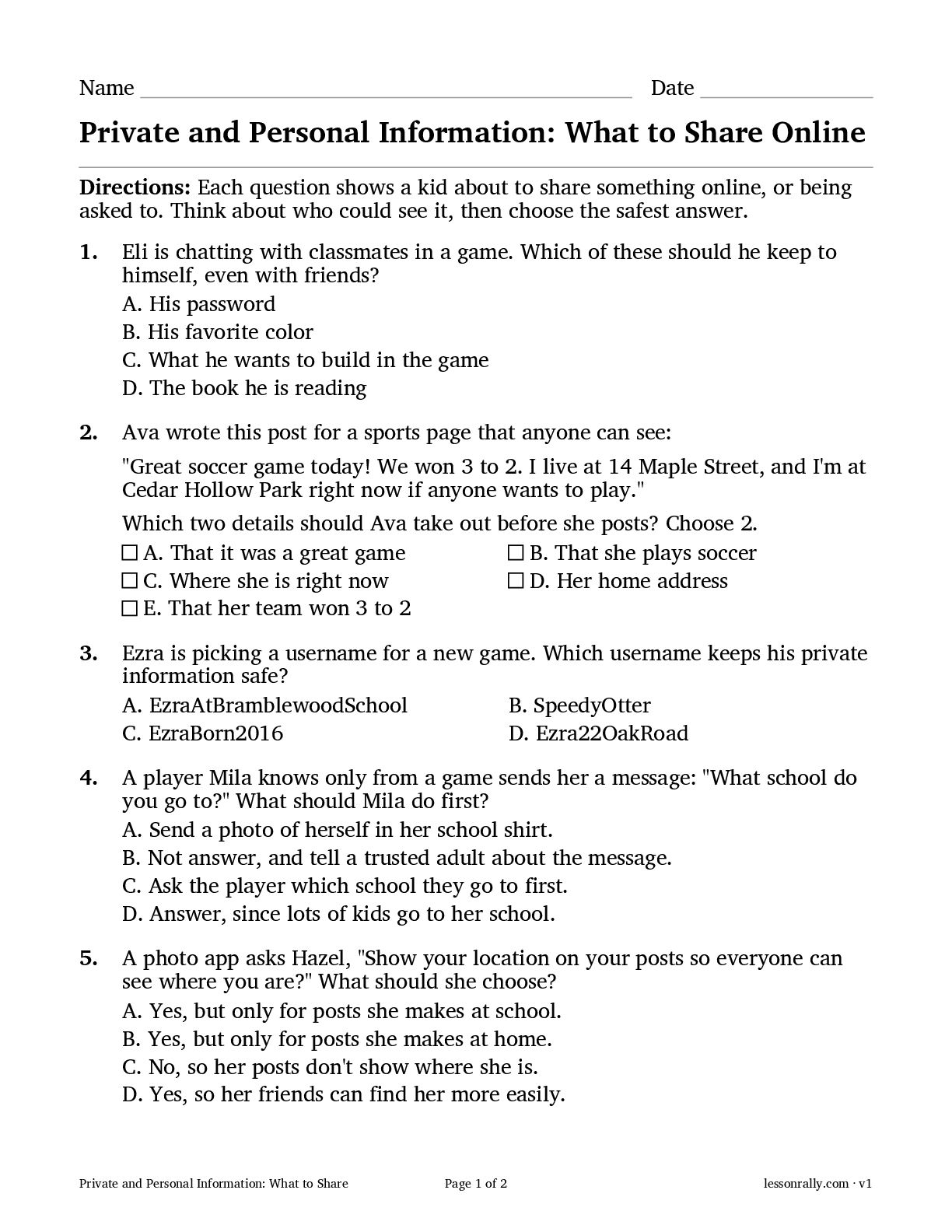
Each question shows a kid about to share something online, or being asked to. Think about who could see it, then choose the safest answer.
Eli is chatting with classmates in a game. Which of these should he keep to himself, even with friends?
Choose one answer.
Ava wrote this post for a sports page that anyone can see:
"Great soccer game today! We won 3 to 2. I live at 14 Maple Street, and I'm at Cedar Hollow Park right now if anyone wants to play."
Which two details should Ava take out before she posts? Choose 2.
Choose 2 answers.
Ezra is picking a username for a new game. Which username keeps his private information safe?
Choose one answer.
A player Mila knows only from a game sends her a message: "What school do you go to?" What should Mila do first?
Choose one answer.
A photo app asks Hazel, "Show your location on your posts so everyone can see where you are?" What should she choose?
Choose one answer.
A pop-up quiz in a game says, "Type your birthday to find out which animal you are!" What should Lucas do with the quiz?
Choose one answer.
Sadie met a girl named Ruby in an online art class, and they both love drawing cats. Ruby asks for Sadie's phone number so they can text. What should Sadie do first?
Choose one answer.
Josie wants to post a photo of herself in front of her house. The house number and the street sign both show in the photo. Which change makes the photo safer to post?
Choose one answer.
Caleb wants to post a group photo from a class trip and tag each kid with their full name and the name of their school. Rafael is in the photo. What should Rafael do first?
Choose one answer.
Liam is about to join a video call for his after-school coding club. Which thing behind him should he move out of the camera's view?
Choose one answer.
No reviews yet.
Reviews come from teachers who assigned this activity to a class.
Have a topic of your own? Make a printable worksheet and online quiz, free.
Create an activityMade by Aisha Varrick · LessonRally (AI-assisted)
Made by Aisha Varrick · LessonRally (AI-assisted)
Made by Aisha Varrick · LessonRally (AI-assisted)
Made by Aisha Varrick · LessonRally (AI-assisted)