Question 1
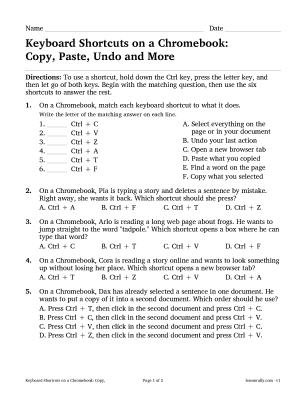
Match each of these six computer words to its meaning.
Match each item to an option.
Items
- Hardware
- Software
- Input device
- Output device
- Processor
- Storage
Options


Teachers who sign in can assign LessonRally activities to their Google Classroom classes: students open them in Classroom and answer online, and their grades go to the teacher's Classroom gradebook. Practice lets you try it first, the way students see it.
Free for teachers. Sign in to assign activities to your Google Classroom classes.
 (opens in a new tab)
2 pages · Student copy, no answers
Print worksheet (opens in a new tab)Answer keyPremiumStudents match computer words like hardware, software, input device, output device, processor and storage to their meanings. Then they sort devices and apps, choose input and output devices, and see how hardware and software work together.
Learning goal: Tell hardware from software, and identify what common computer parts do, including input and output devices, the processor and storage.
The estimate is the middle score of five readability formulas. Their scores run from 3.2 to 7.2.
Adapted from common readability formulas (Flesch-Kincaid, Gunning Fog, Coleman-Liau and ARI, plus SMOG for long texts), which look at sentence length and word length. Answer choices count toward word length only. Grades below the estimate will likely find the text harder, grades above it easier. It does not measure ideas, background knowledge or images.
Topic: Computers and Networks Chosen by LessonRally
Question types: matching, multiple choice, number answer, select all that apply.
The questions as students see them, without the answers.
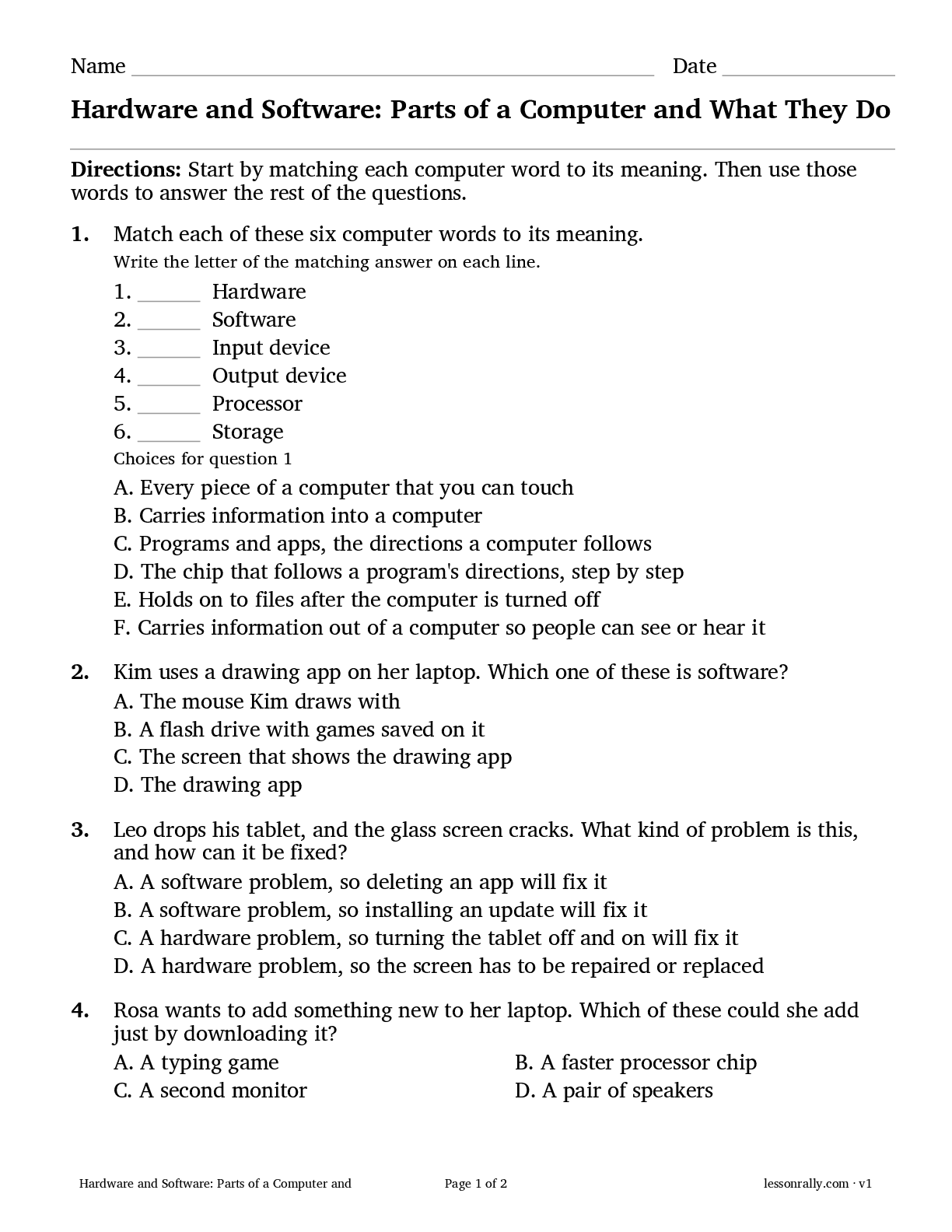
Start by matching each computer word to its meaning. Then use those words to answer the rest of the questions.
Match each of these six computer words to its meaning.
Match each item to an option.
Items
Options
Kim uses a drawing app on her laptop. Which one of these is software?
Choose one answer.
Leo drops his tablet, and the glass screen cracks. What kind of problem is this, and how can it be fixed?
Choose one answer.
Rosa wants to add something new to her laptop. Which of these could she add just by downloading it?
Choose one answer.
Malik made a list of things he uses with his computer at home:
How many items on Malik's list are hardware?
Enter a number.
Dev is sorting his class's computer gear into input devices and output devices. Which two of these belong with the input devices? Choose 2.
Choose 2 answers.
Kai wants to watch a video in the library without bothering anyone. Which output device should he use?
Choose one answer.
June writes a story on her laptop, saves it, and shuts the laptop down for the night. The next morning, the story is still there. Which part kept the story while the laptop was off?
Choose one answer.
Ivy taps Play in a music app on her laptop, and a song starts. Which sentence explains how hardware and software work together here?
Choose one answer.
Nico's tablet has a touchscreen. Why does a touchscreen count as both an input device and an output device?
Choose one answer.
No reviews yet.
Reviews come from teachers who assigned this activity to a class.
Have a topic of your own? Make a printable worksheet and online quiz, free.
Create an activityMade by Aisha Varrick · LessonRally (AI-assisted)
Made by Aisha Varrick · LessonRally (AI-assisted)
Made by Aisha Varrick · LessonRally (AI-assisted)
Made by Aisha Varrick · LessonRally (AI-assisted)