Question 1
Match each internet word to what it means.
Match each item to an option.
Items
- Browser
- Search engine
- URL
- Domain name
- IP address
- Packet
Options


Teachers who sign in can assign LessonRally activities to their Google Classroom classes: students open them in Classroom and answer online, and their grades go to the teacher's Classroom gradebook. Practice lets you try it first, the way students see it.
Free for teachers. Sign in to assign activities to your Google Classroom classes.
 (opens in a new tab)
2 pages · Student copy, no answers
Print worksheet (opens in a new tab)Answer keyPremiumStudents match internet words such as browser, search engine, URL, domain name, IP address and packet to their meanings. Then they find the domain name in a web address, spot look-alike addresses, see how data travels in packets, and learn what a padlock, a top search result and a Sponsored label do and do not mean.
Learning goal: Explain what browsers, URLs, domain names and search engines do, read a web address carefully, and judge what a padlock, a search ranking or a Sponsored label really means.
The estimate is halfway between the two middle scores of four readability formulas. Their scores run from 4.2 to 6.8.
Adapted from common readability formulas (Flesch-Kincaid, Gunning Fog, Coleman-Liau and ARI, plus SMOG for long texts), which look at sentence length and word length. Answer choices count toward word length only. Grades below the estimate will likely find the text harder, grades above it easier. It does not measure ideas, background knowledge or images.
Topics: Computers and Networks, Digital Citizenship Chosen by LessonRally
Question types: matching, multiple choice, select all that apply, number answer.
The questions as students see them, without the answers.
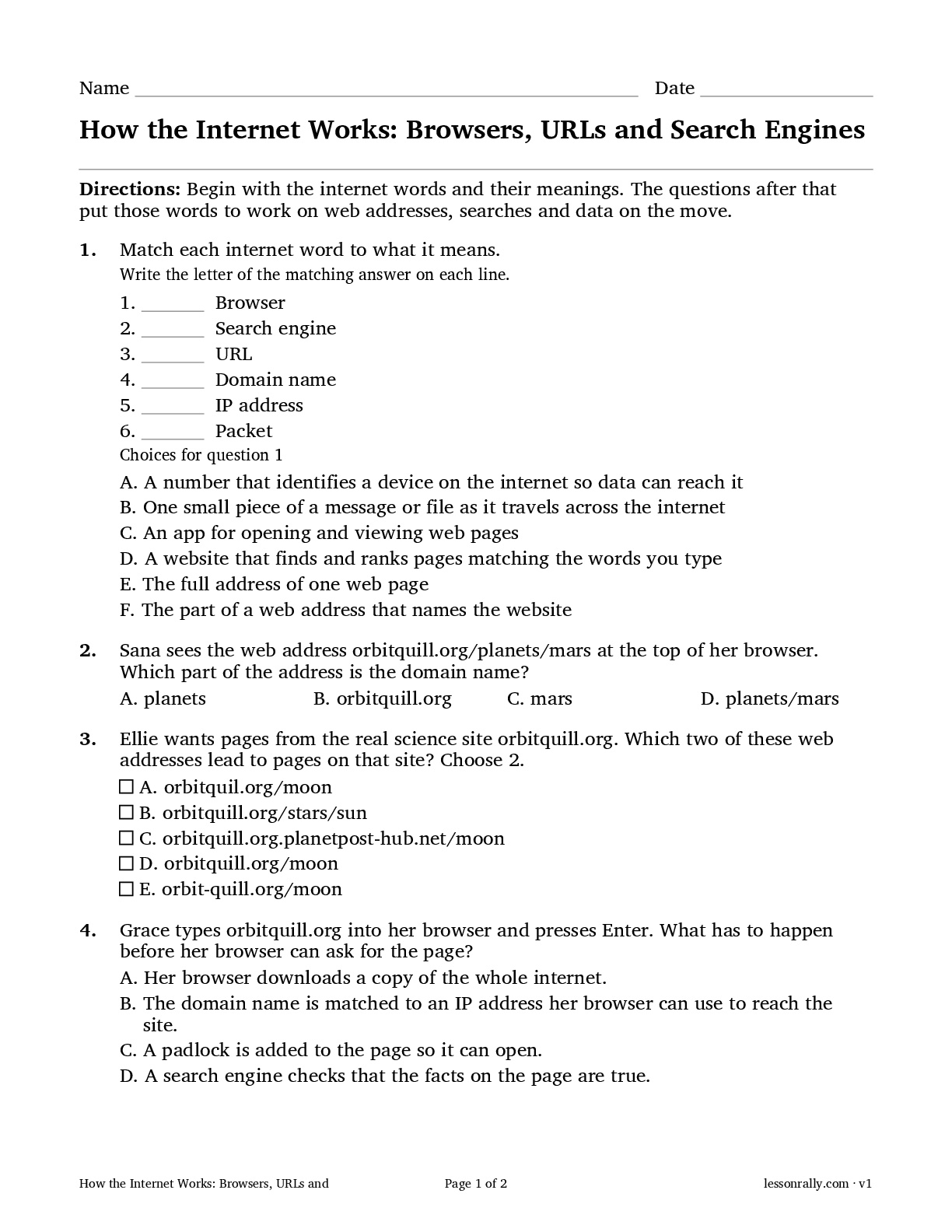
Begin with the internet words and their meanings. The questions after that put those words to work on web addresses, searches and data on the move.
Match each internet word to what it means.
Match each item to an option.
Items
Options
Sana sees the web address orbitquill.org/planets/mars at the top of her browser. Which part of the address is the domain name?
Choose one answer.
Ellie wants pages from the real science site orbitquill.org. Which two of these web addresses lead to pages on that site? Choose 2.
Choose 2 answers.
Grace types orbitquill.org into her browser and presses Enter. What has to happen before her browser can ask for the page?
Choose one answer.
Bella sends a photo to her cousin in another state. How does the photo travel across the internet?
Choose one answer.
In this example, a photo is 6,000 bytes, and each packet carries 1,500 bytes of the photo. How many packets does the photo need?
Enter a number.
Kenji finds a page about volcanoes with a padlock next to its address. He tells his group, "The padlock means the facts on this page are true." What does the padlock really tell him?
Choose one answer.
Marcus searches for how tall a giraffe is. The first result without a Sponsored label is a page called Giraffe Facts. What does its spot at the top tell Marcus?
Choose one answer.
The very top result in Tyler's search has a small label that says "Sponsored." What does that label mean?
Choose one answer.
Quinn needs official information from a U.S. government office. Which web address ending can only be used by U.S. government organizations?
Choose one answer.
No reviews yet.
Reviews come from teachers who assigned this activity to a class.
Have a topic of your own? Make a printable worksheet and online quiz, free.
Create an activityCommon Core RI.6.6
Made by Aisha Varrick · LessonRally (AI-assisted)
Made by Aisha Varrick · LessonRally (AI-assisted)
Made by Aisha Varrick · LessonRally (AI-assisted)
Made by Aisha Varrick · LessonRally (AI-assisted)