Teachers who sign in can assign LessonRally activities to their Google Classroom classes: students open them in Classroom and answer online, and their grades go to the teacher's Classroom gradebook. Practice lets you try it first, the way students see it.
Students trace conditionals written as plain-language steps: if-then-else choices, a three-way choice, a condition checked inside a loop, and if steps in a row. They read each boundary carefully, including a case that lands right on it, and finish each trace with one number or one message. Coding and computer science practice with no programming language.
Learning goal: Trace if-then-else steps to find the exact result, read boundaries such as "10 or more" and "more than 14" correctly, and choose a condition that matches a rule.
Estimated reading level3.8
Grade 1Hard
Grade 2Stretch
Grade 3On level
Grade 4Easier
Grade 5Easy
About this estimate
The estimate is the middle score of five readability formulas. Their scores run from 2.6 to 7.4.
Flesch-Kincaid Grade Middle scoreSentence length and syllables per word3.8
Gunning FogSentence length and words of three or more syllables6.4
Coleman-LiauLetters per word and sentences per 100 words3.7
Automated Readability IndexCharacters per word and words per sentence2.6
SMOGWords of three or more syllables, for texts of 30 sentences or more7.4
Grade 181216
Flesch Reading Ease
88.4 on a 0 to 100 scale where higher is easier: easy. Not part of the estimate.
Text measured
560 words, 44 sentences
Adapted from common readability formulas (Flesch-Kincaid, Gunning Fog, Coleman-Liau and ARI, plus SMOG for long texts), which look at sentence length and word length. Answer choices count toward word length only. Grades below the estimate will likely find the text harder, grades above it easier. It does not measure ideas, background knowledge or images.
The questions as students see them, without the answers.
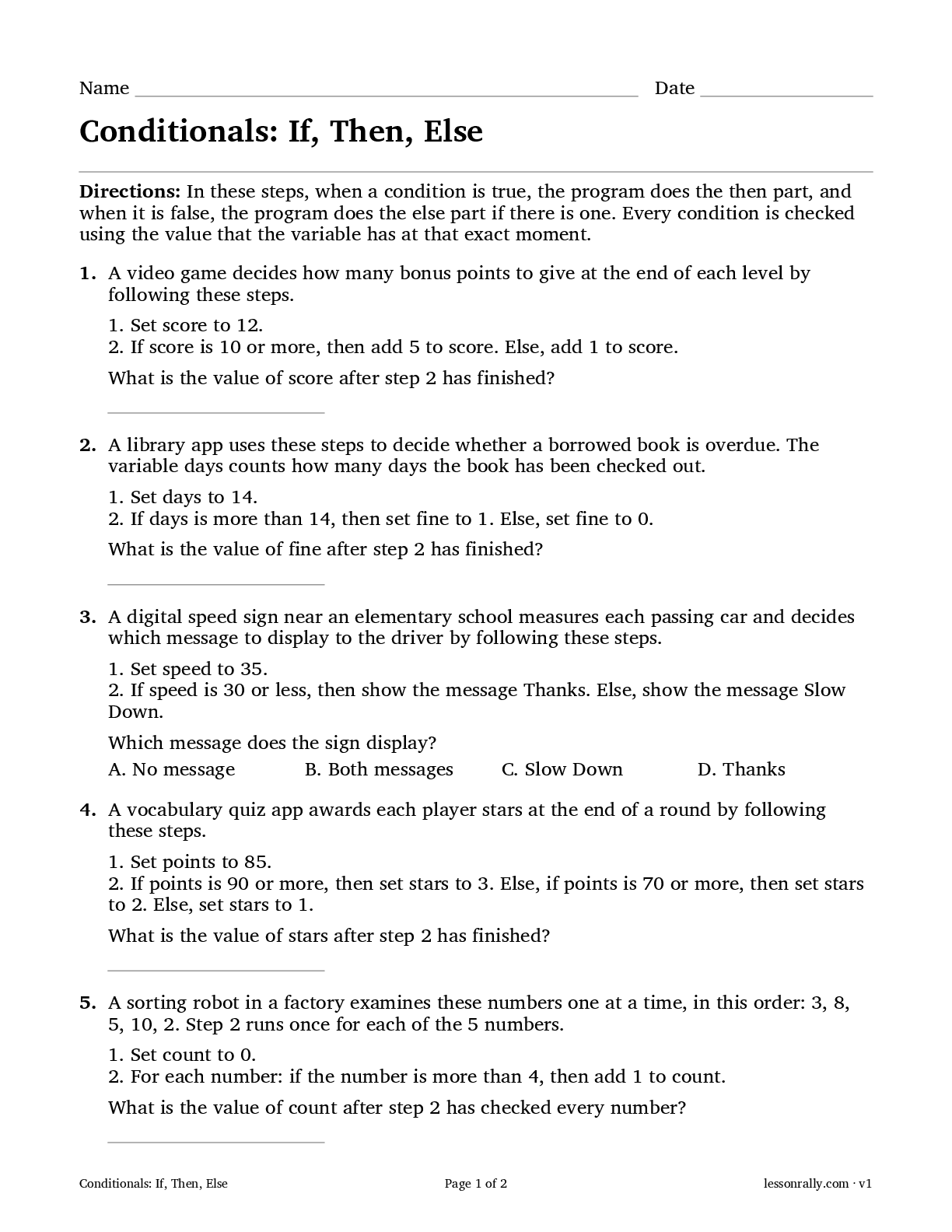
In these steps, when a condition is true, the program does the then part, and when it is false, the program does the else part if there is one. Every condition is checked using the value that the variable has at that exact moment.
Question 1
A video game decides how many bonus points to give at the end of each level by following these steps.
Set score to 12.
If score is 10 or more, then add 5 to score. Else, add 1 to score.
What is the value of score after step 2 has finished?
Enter a number.
Question 2
A library app uses these steps to decide whether a borrowed book is overdue. The variable days counts how many days the book has been checked out.
Set days to 14.
If days is more than 14, then set fine to 1. Else, set fine to 0.
What is the value of fine after step 2 has finished?
Enter a number.
Question 3
A digital speed sign near an elementary school measures each passing car and decides which message to display to the driver by following these steps.
Set speed to 35.
If speed is 30 or less, then show the message Thanks. Else, show the message Slow Down.
Which message does the sign display?
Choose one answer.
Thanks
Both messages
Slow Down
No message
Question 4
A vocabulary quiz app awards each player stars at the end of a round by following these steps.
Set points to 85.
If points is 90 or more, then set stars to 3. Else, if points is 70 or more, then set stars to 2. Else, set stars to 1.
What is the value of stars after step 2 has finished?
Enter a number.
Question 5
A sorting robot in a factory examines these numbers one at a time, in this order: 3, 8, 5, 10, 2. Step 2 runs once for each of the 5 numbers.
Set count to 0.
For each number: if the number is more than 4, then add 1 to count.
What is the value of count after step 2 has checked every number?
Enter a number.
Question 6
Dana's teacher wants a program that displays Pass for every score of 60 and above, and Try Again for every score below 60. Which step does exactly that?
Choose one answer.
If score is more than 60, then show Pass. Else, show Try Again.
If score is 60, then show Pass. Else, show Try Again.
If score is less than 60, then show Pass. Else, show Try Again.
If score is 60 or more, then show Pass. Else, show Try Again.
Question 7
A packing program at an apple orchard uses these steps to decide how to fill paper bags with freshly picked apples.
Set apples to 9.
Set bags to 0.
If apples is more than 5, then do both of these: add 2 to bags, then subtract 5 from apples. Else, add 1 to bags.
What is the value of apples after step 3 has finished?
Enter a number.
Question 8
A greenhouse heater program has three if steps in a row, and none of them has an else part. Each one checks temperature again, using the value temperature has when that step starts.
Set temperature to 6.
If temperature is less than 10, then add 5 to temperature.
If temperature is less than 10, then add 5 to temperature.
If temperature is more than 12, then subtract 3 from temperature.
What is the value of temperature after step 4 has finished?